

This guide will help you quickly set up and start your Star Wars: Battlefront Classic 2 Server.
Allowing you and your players to connect and play with minimal configuration.
Click here to order your Star Wars: Battlefront Classic 2 Server with Citadel Servers today!
Step 1: Access the Game Control Panel
Log in to your Game Panel and navigate to your Star Wars: Battlefront Classic 2 server.
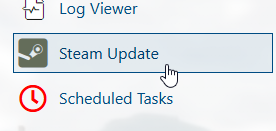
Step 2: Update your server by running the Steam Update
Run the Steam Update in the left sidebar to update the server.
Step 3: Start the Server
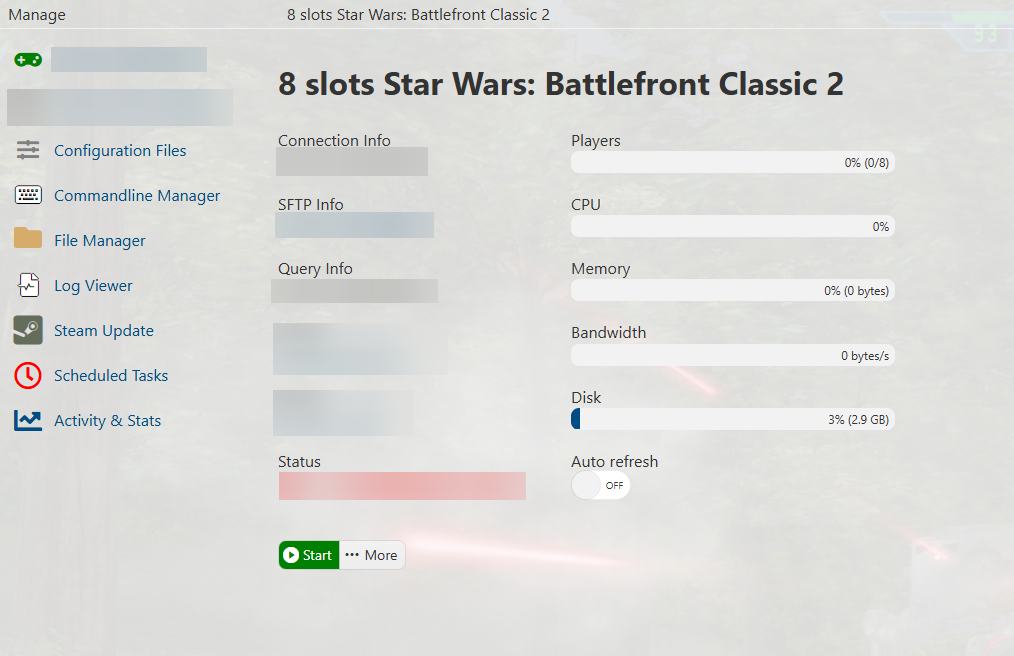
Once the updates have finished installing, start the server.
Step 4: Connect to the Server
Copy the IP address and Port from the Connection Info section.
Use this information to connect to the server from your game client.

Did the above information not work for you?
Please click here to contact our support via a ticket.